

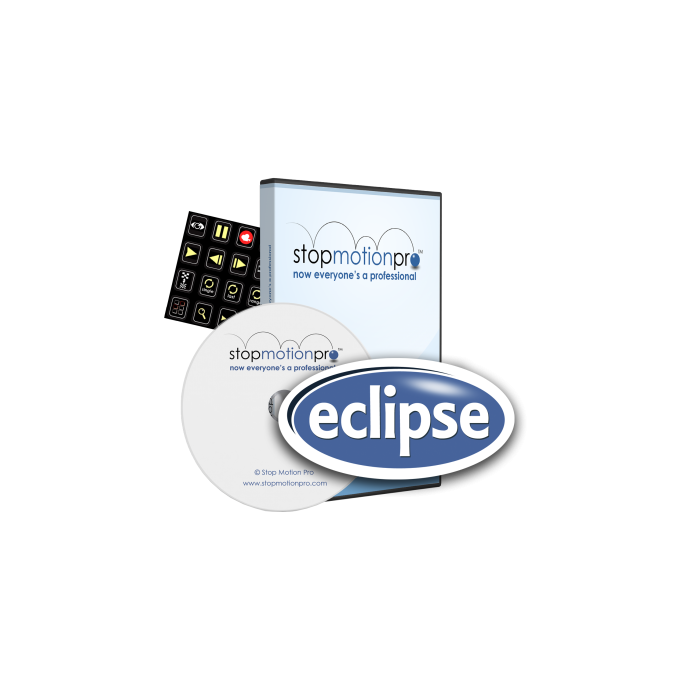
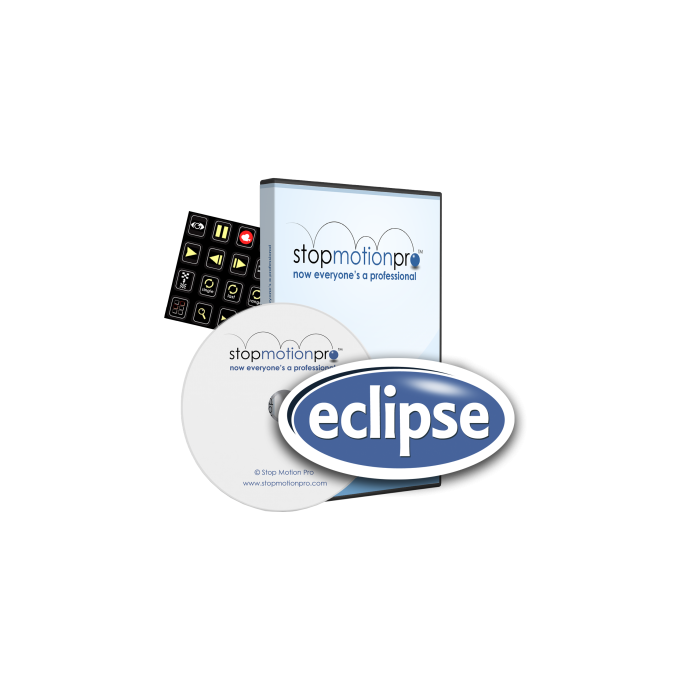
Stop Motion Pro Eclipse - Network License - Windows Only
Stop Motion Pro Eclipse Network
The Stop Motion Pro Eclipse Network editions are designed for easy rollout across your school network. The license allows an unlimited number of PCs, laptops and Windows laptops to be used. You can install the software on any device as long as it connects to your network at least once every 30 days.
The key benefits of a network license are as follows:
- Eclipse is designed to minimize network traffic as the students create their films
- You configure the roll-out for your network topology
- Storage 'server' can be a NAS, Lynix, or other technologies
- Compatible with virtualized servers
- Disconnect laptops or Windows tablets from the network for up to 30 days
The network license works in the following way:
- Once unlocked, the local network server holds its license, without requiring an internet connection.
- The workstations can be removed from the local network for up to 30 days and still use Eclipse.
- To refresh workstation licenses, connect the computer to the local network and run Eclipse. An internet connection is not required.
The software is rolled out across your school as follows:
- Your staff install Stop Motion Pro Eclipse on a central server. Individual licenses are not required for on-site computers or laptops and unlimited users are allowed.
- A MSI installer package, customized for your school IT policies, is created using the Eclipse Network wizard application.
- The MSI can be deployed using your existing processes and software. It can also be used in a virtulized environment.
- Students and teachers can take their laptops home and use Eclipse for up to 30 days before reconnecting to the server.
In addition to the new way which this stop motion program is rolled and the way that it opterates on your network; Stop Motion Pro Eclipse also benefits from a simplified the interface, making it much more user friendly. There are also now just two options, Eclipse and Eclipse SD, each of which offering features that both include:
- Smooth playback at up to 30 frames per second
- Track and plan movement with markers
- Record audio while playing back animation
- Capture multiple frames with one click
- Customize shortcuts
- Compatible with dozens of cameras
- Advanced project management tools
- Thumbnail editor
The only difference between the two editions is the resolution and the ability to use a DSLR camera. With Eclipse SD, the maximum resolution is 800 x 600 pixels, whereas Eclipse is unlimited and can be used with DSLR cameras.
The full list of feature is as follows:
| Eclipse | Eclipse SD | |||
| Canon / Nikon DSLR* | X | |||
| DSLR Image lab tool | X | |||
| Webcams / Video cameras | ||||
| Resolution max. | unlimited | 800 x 600 | ||
| Import movies and stills | ||||
| Multitrack audio | ||||
| Onionskinning | ||||
| Chromakey | ||||
| Rotoscope | ||||
| Looping functions | ||||
| Rig removal | ||||
| Paint on frames | ||||
| Dual monitors | ||||
| X-sheet / sound sync | ||||
| Markers | ||||
| Programable shortcut keys | ||||
| Arduino controller | ||||
|
|
Stop Motion Pro has established a reputation as the stop motion software of choice for children, students, schools, universities, animators and studios across the globe.
*Please note, some cameras will not work with Stop Motion Pro. If in doubt, please check that your camera is compatible before ordering.
PC ONLY - Not suitable for Mac
- License Type:
- Network/Multi-user
- Stop Motion Pro Version:
- Eclipse SD
Pairs well with
Peace of Mind 30 day return policy
Knowledgeable friendly staff
Express Shipping available
PayPal & Cards accepted
If you have any questions, you are always welcome to contact us. We'll get back to you as soon as possible, within 24 hours on weekdays.
-
Shipping Information
Use this text to answer questions in as much detail as possible for your customers.
-
Customer Support
Use this text to answer questions in as much detail as possible for your customers.
-
FAQ’s
Use this text to answer questions in as much detail as possible for your customers.
-
Contact Us
Use this text to answer questions in as much detail as possible for your customers.